9. School Life
9.1. Coffee Chat with BCC
It’s never too early to start planning your new career. The good news is that we receive full support from the BCC (Business Career Centre). You can bring your resume and your aspirations to them, and you will receive a professional and warm response.
If you could only bookmark one site in your browser, I’d recommend reserving that spot for COOL (Career Options On-Line), managed by the BCC. You can use COOL to:
Book one-on-one career advising and coaching appointments.
Register for career-related workshops and employer events.
View and apply for job postings, volunteer, and skills development opportunities specifically targeted to UBC Sauder students.
View employer profiles - our Business Development team has direct connections to companies listed on COOL.
Access resources like CaseCoach, LinkedIn Masterclass, Firsthand, and more!
Note
Official Website Link: COOL
9.2. Meeting Room Reservation
If you’re just studying alone, just find a random library, but if you’re working in a group and need to discuss with your team, you need to find a meeting room.
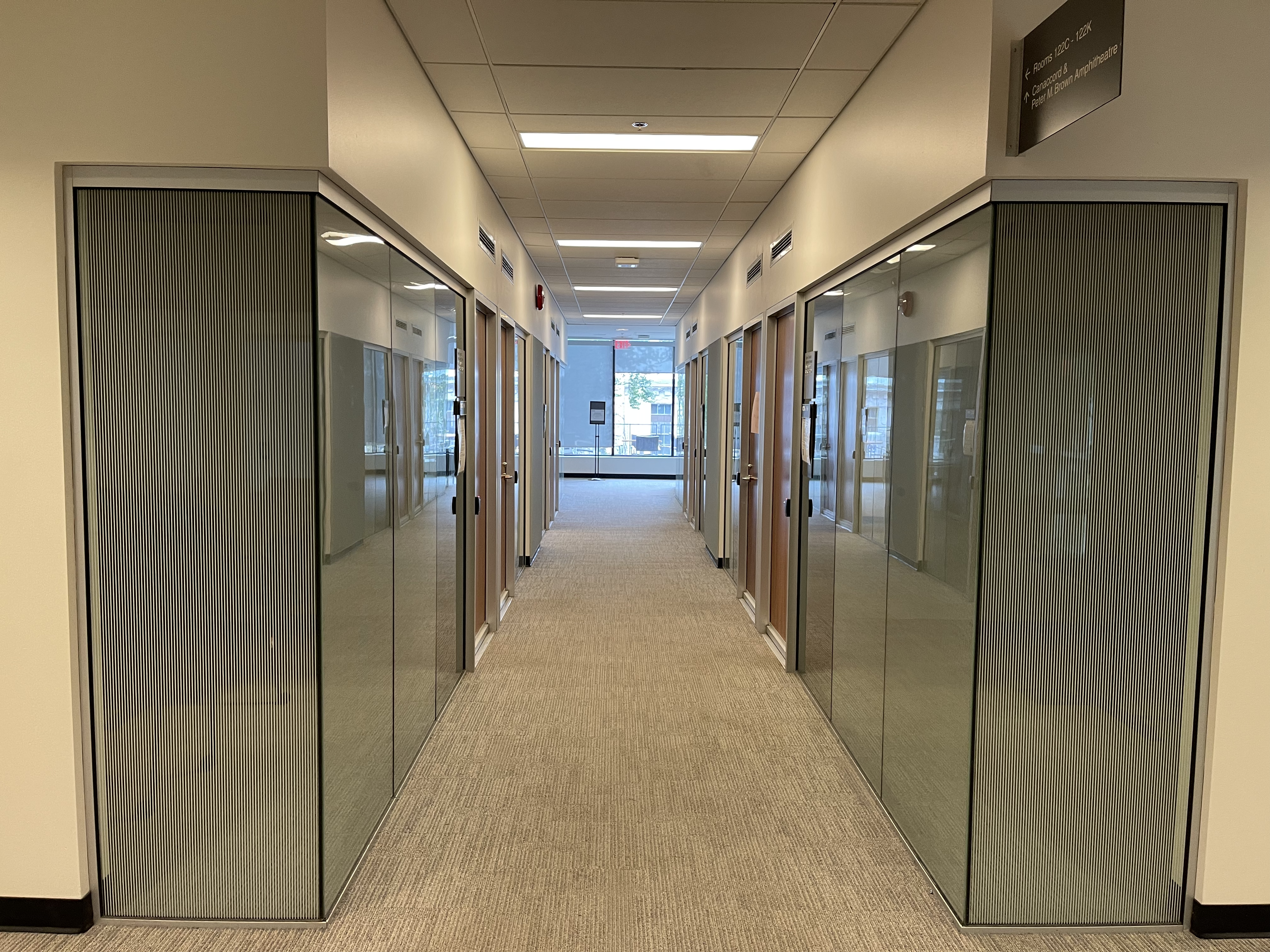
Sauder’s Meeting Room
Note
Official Website Link: Meeting room reservation
9.3. Printing/Scanning
There are printers in the library, you need to upload the documents you want to print to the website in advance and then swipe your student ID card in front of the printer to print. Remember to save some money on your student ID card first.
Note
Official Website Link: Online printing
9.4. Certificate of enrollment
Sometimes, a certificate of enrollment is required to process some documents. You can do this on your own. Login to SSC (Student Service Centre), go to【Grades & Records】-【Proof of Enrollment Letter】
Note
Official Website Link: Student Service Centre
9.5. iClicker
iClicker is a voting device that professors also use for classroom attendance. The traditional iClicker was a physical device that looked like a remote control. Now you can just use the app or even the web version.
9.5.1. Registering an Account
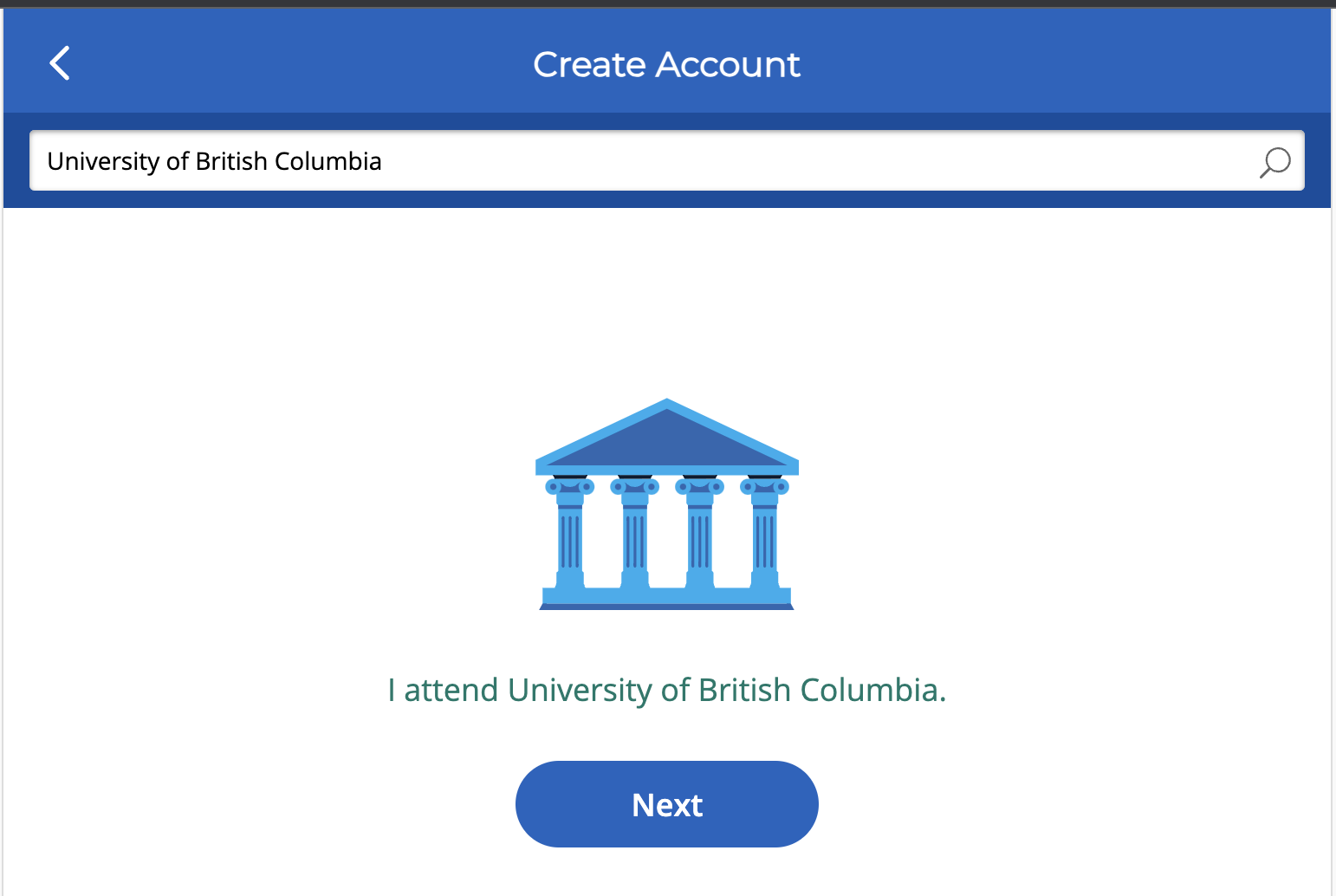
Go to the iClicker official website, and click on Sign Up. In the search bar, enter “University of British Columbia,” click “Next” to register.
9.5.2. Adding a Course
After registering, log into your account and go to the Course page.

Click on the “+” sign in the upper-right corner to enter the school name page:
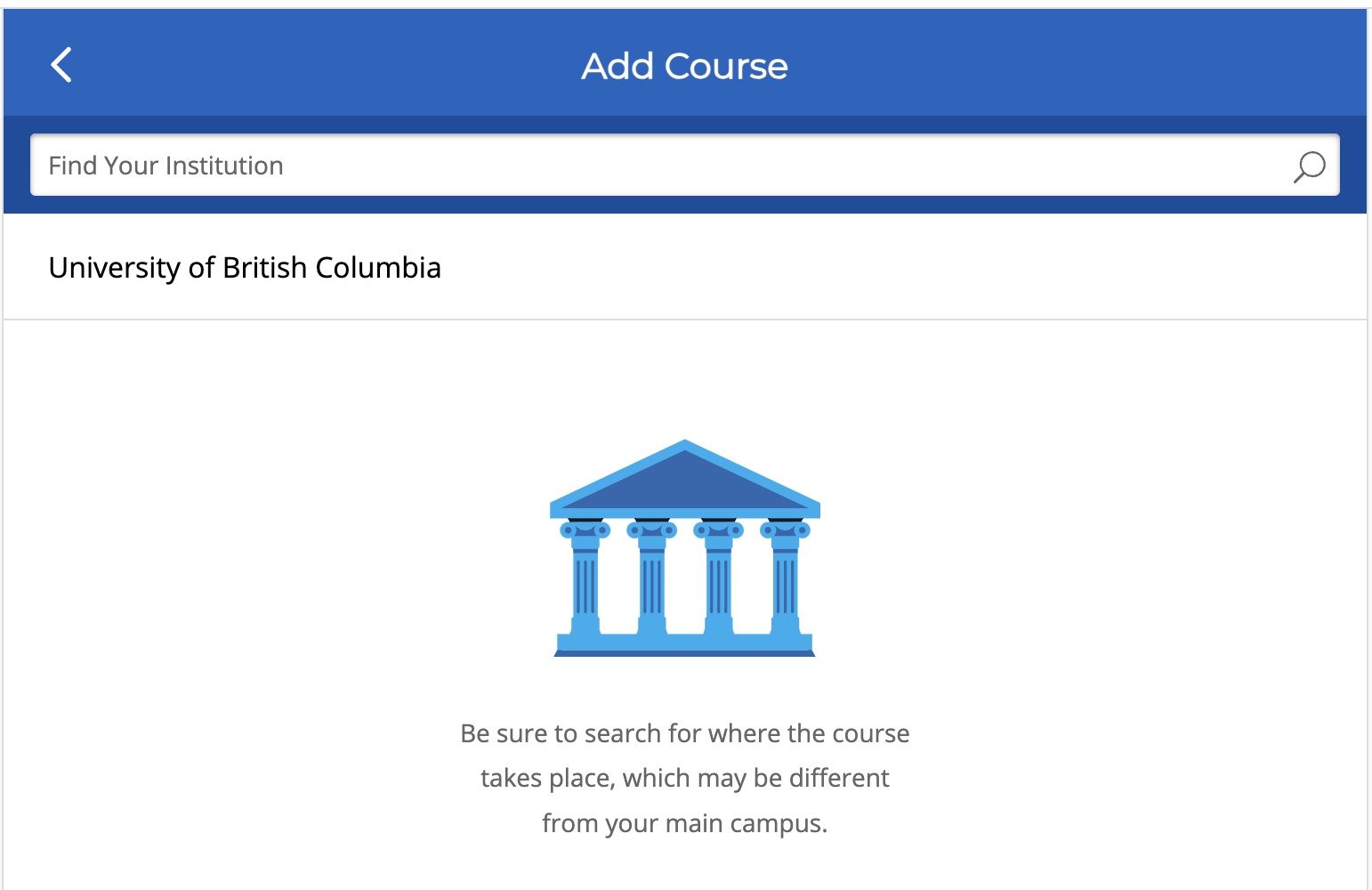
Click on “University of British Columbia” in the image above and proceed to the next page. If you don’t see the school name, you can search for it in the search bar.
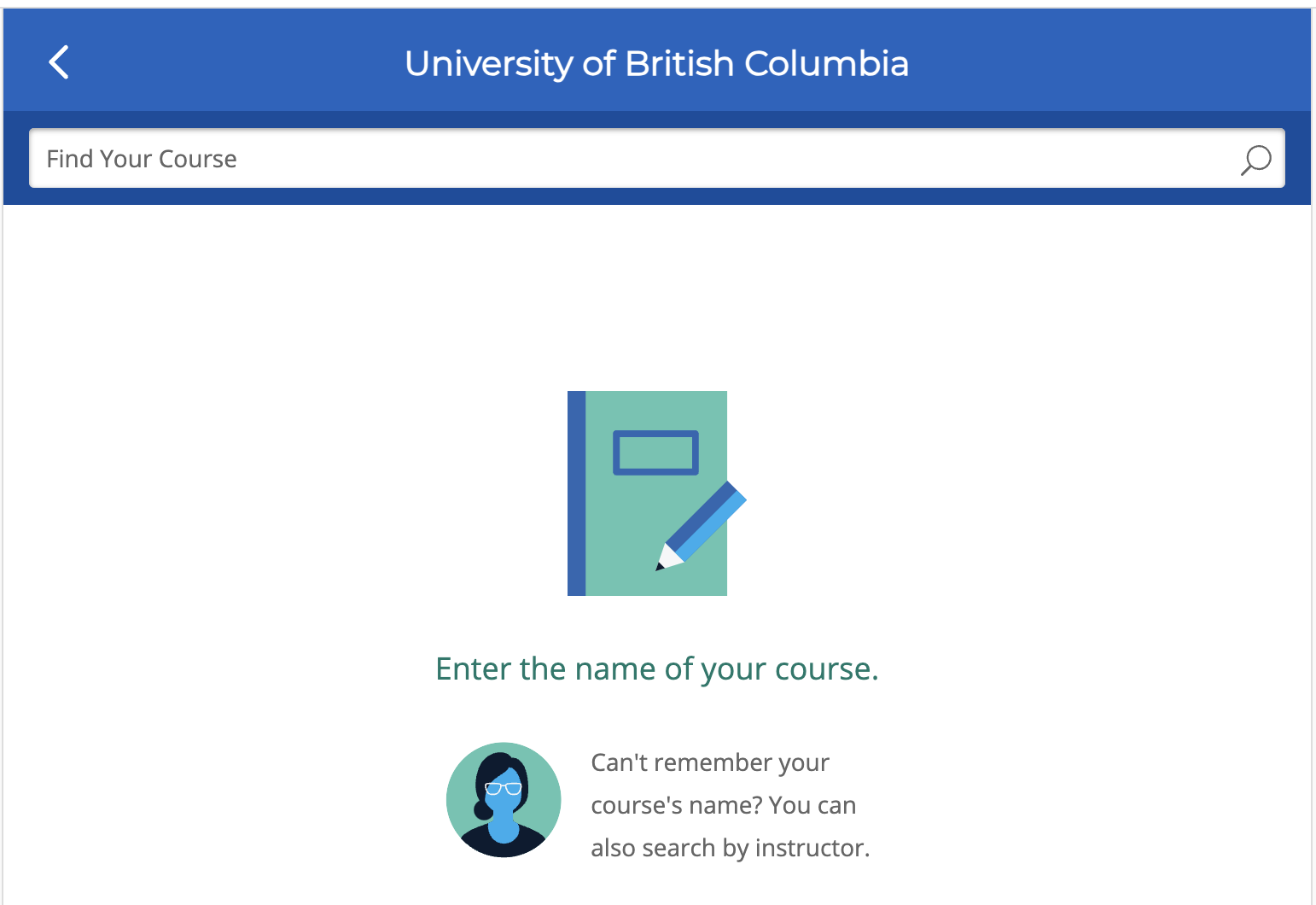
In the search bar in the image above, enter the course code, for example, “BABS 550.”
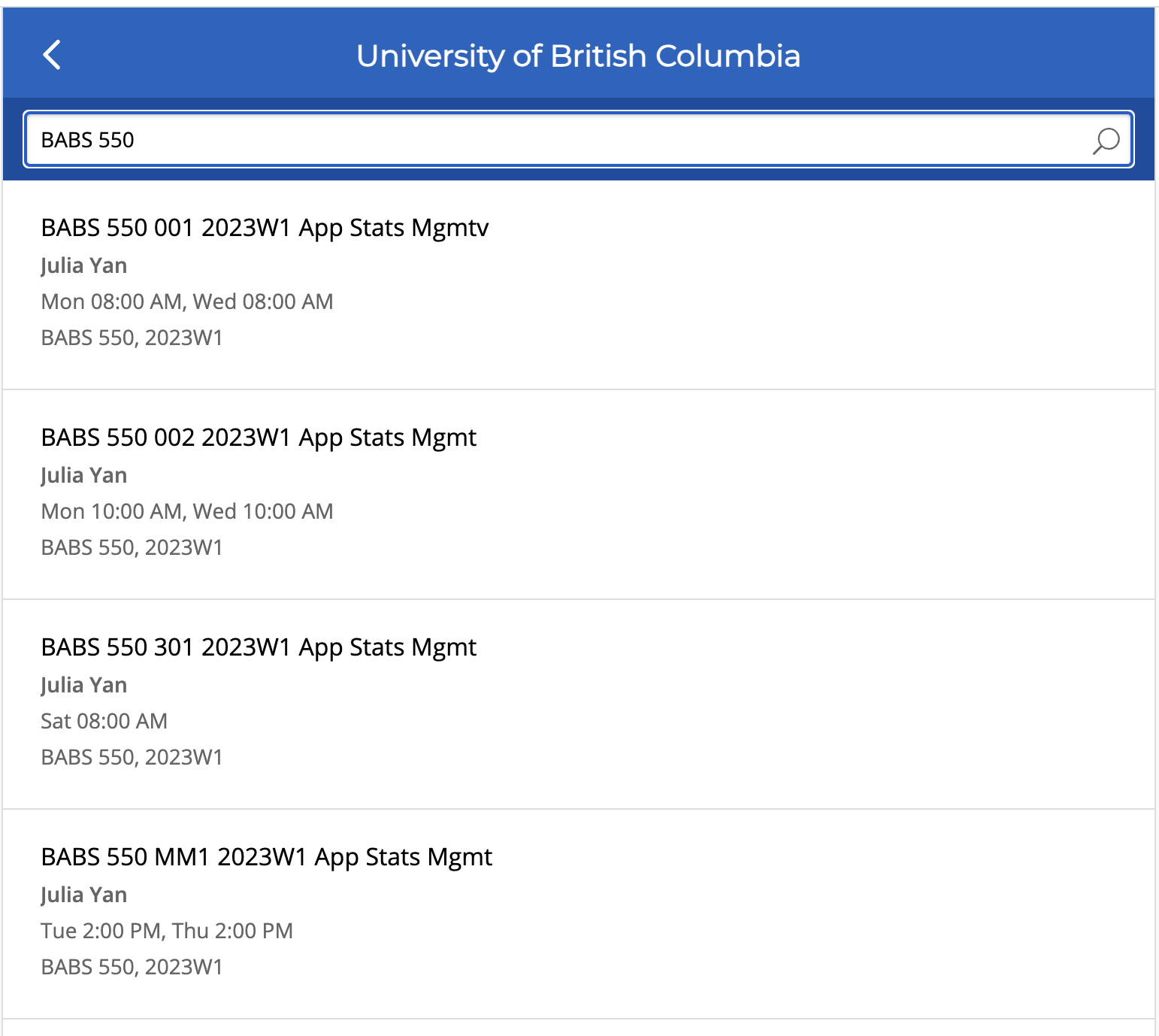
Choose the corresponding course. For example, Green Group is the first row, Blue is the second row. Double-check based on class times and confirm by clicking on the respective row.
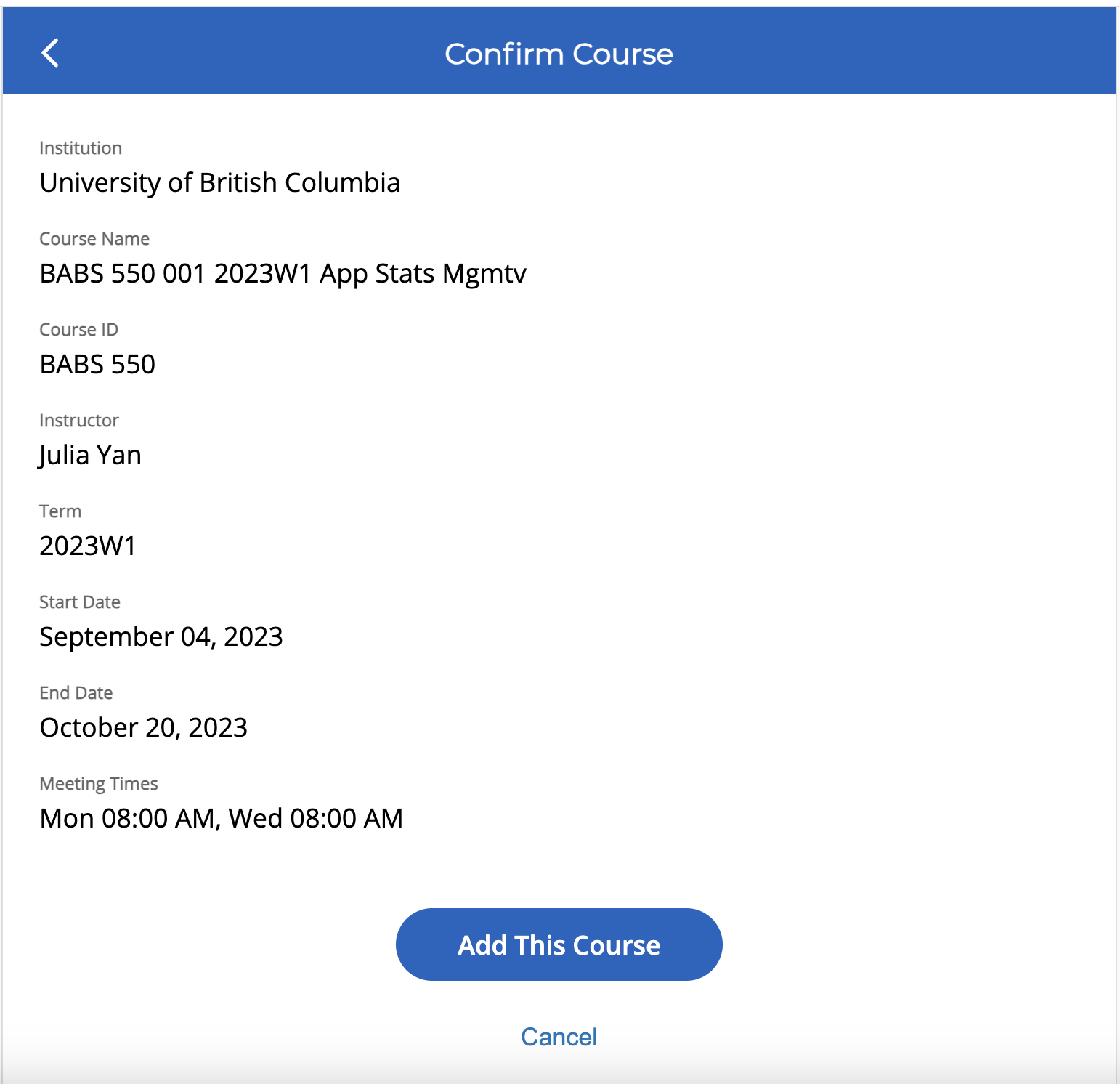
In the image above, click “Add This Course.”
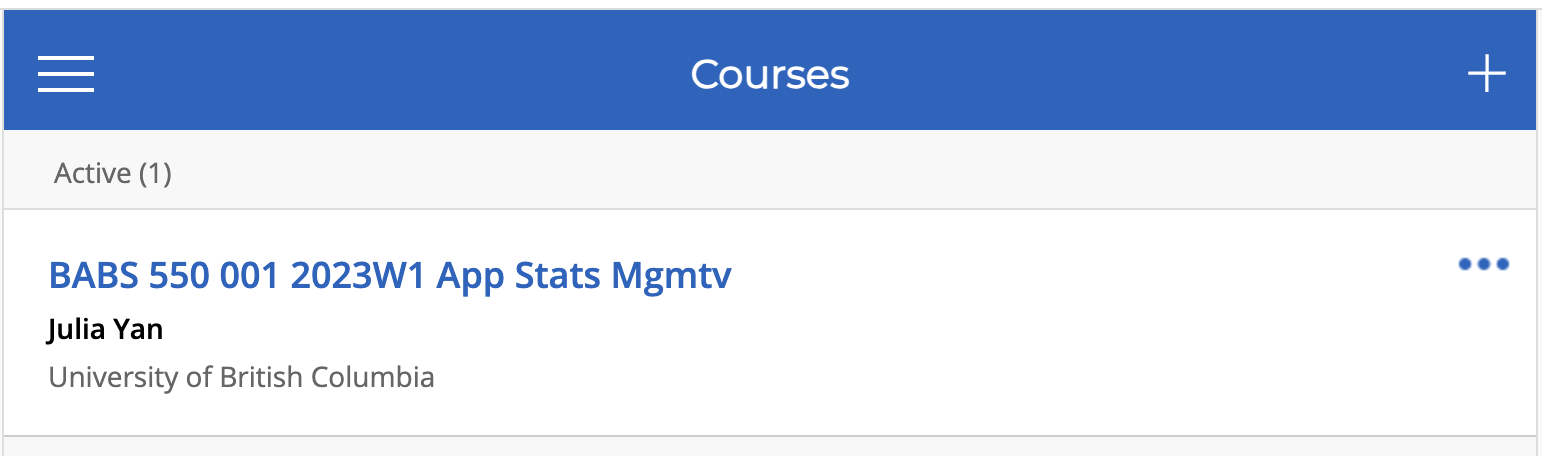
If you see the course name appear under “Active,” it means you’ve successfully added it. Similarly, you can add other courses.
9.5.3. Using iClicker
In class, the professor will post questions on iClicker. Log into your iClicker account on your phone or computer to see the questions. Then select your answer and click “Submit.” Since your iClicker account is linked to your student id, you’ll also complete the attendance check.
9.6. Sports
There are many choices of sports on campus, such as swimming, ice skating, football, baskball, gym, etc, and the facilities are very good. As a part of the student benefit (“tuition fee” put in another way), we can use the facilities for free or at a low price.
All the information you need can be found on the official website of UBC Recreation. The following are some of the sports.
9.6.1. Swimming
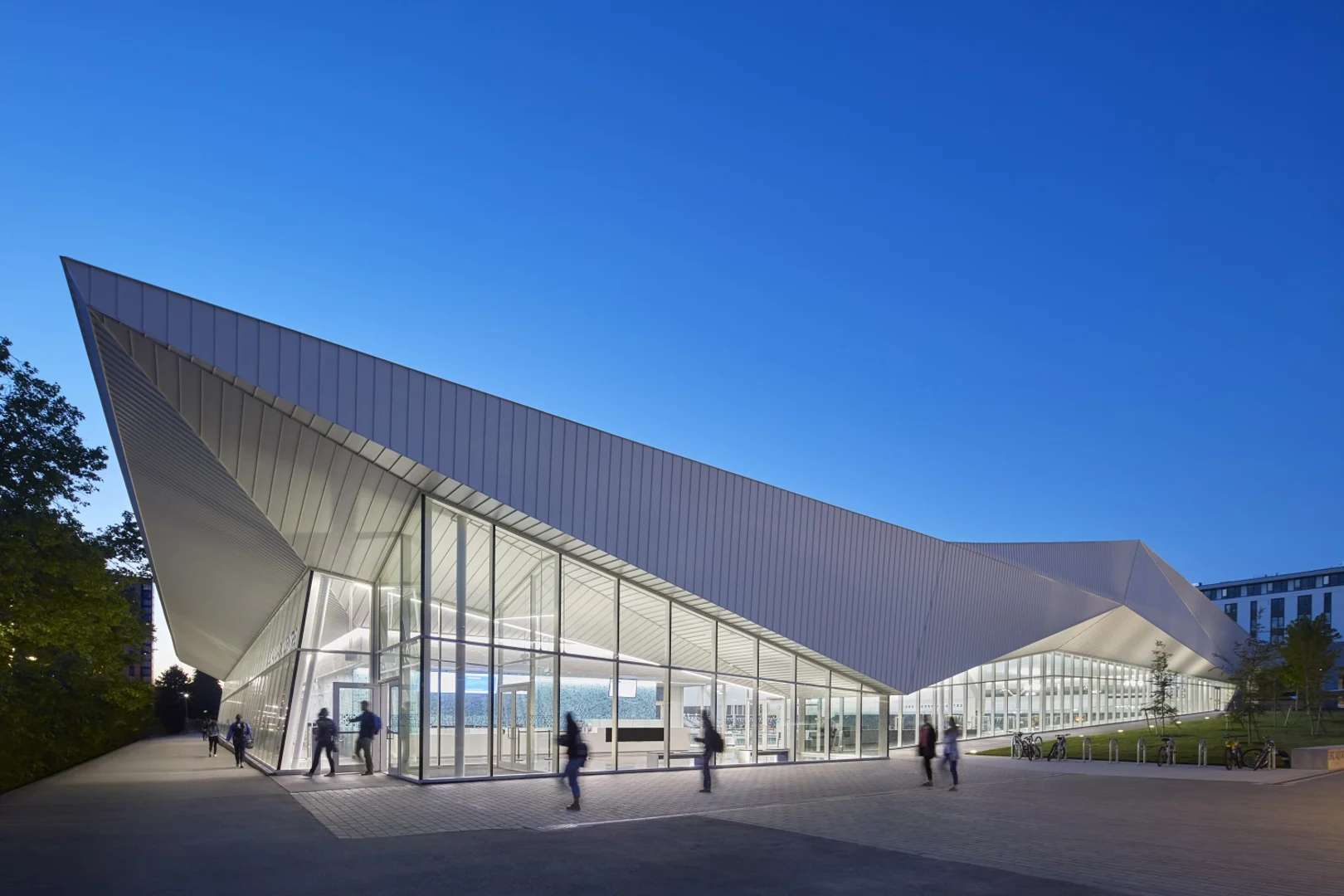
We can use the school’s swimming pool for free. The UBC Aquatic Centre is a water center built to world-class standards. You only need to make a reservation one day in advance.
Note
Official Website Link: Swimming Reservation address
Location: 6080 Student Union Blvd, Vancouver, BC V6T 1Z1
9.6.2. Ice skating
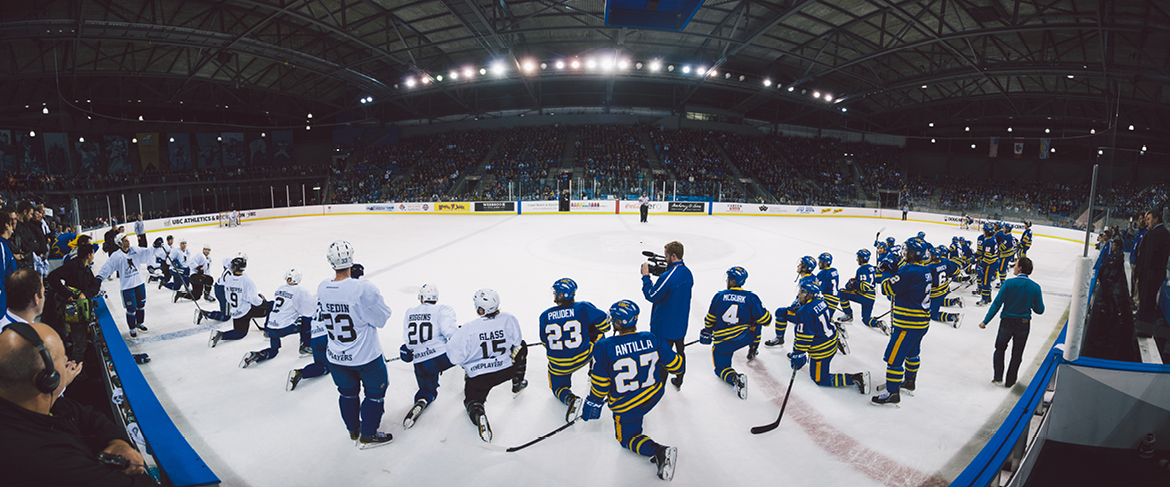
As with the swimming pool, we can use the ice-skating rink for free. However, if you don’t have your own helmet and skates, you must pay to rent them.
Note
Official Website Link: Skating Reservation address
Location: 2555 Wesbrook Mall, Vancouver, BC, V6T 1Z1
9.6.3. GYM
Unfortunately, the gym is not free, but it’s not expensive either. There are some Fitness Centres you can choose from, and the price of memberships vary. You can get the detailed information on the official website.
Note
Official Website Link: Fitness Membership
9.6.4. Golf
The closest golf course to UBC is right next, and although it’s called the University Golf Club, it’s not related to UBC in any way, so you can’t use it for free. Having said that, it is really not expensive. For example, it costs only 5 dollars for 30 balls of golf practice, and you can get a discount on top-ups with your student ID.
Note
Official Website Link: Universitygolf Website
- Image Source